
IPTV Setup Guide
TIVIMATE
Android
Smart TV
Windows
MAG
iOS
How to setup IPTV on TIVIMATE
- Type the following URL exactly: https://tivimates.com/tiviapk and click Go.
- Wait for file to download.
- Click Install and open the app once installation is completed.
- Click “Add Playlist” then choose “Xtream codes”.
- Enter the login details provided via WhatsApp, Email, or Chat.

How to setup IPTV on Android with IPTV Smarters Player
- Download IPTV Smarters app.
- Open the app and enter the login details.
- Click “ADD USER” to proceed.
- Wait some seconds.
- Click on “Live TV” icon.
- Select the channel group you want to watch.
- Click on the channel name and double click to full screen.

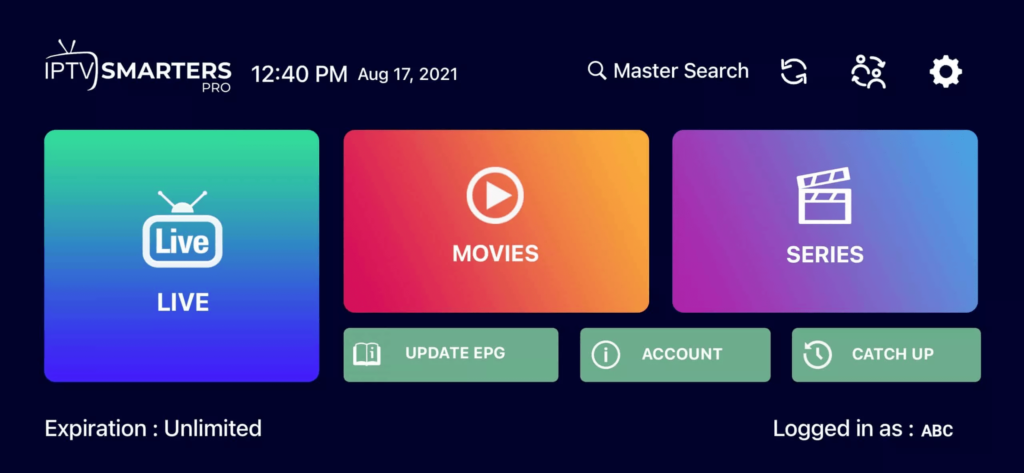
How to setup IPTV on Smart TV
- Download SetIPTV / NetIPTV / Smart IPTV from your TV store.
- Open the app and find the MAC Address.
- Send us the MAC address via WhatsApp/Email/Live Chat.
- After a few minutes, restart/reboot your TV and open the app.

Windows Method
Download IPTV Smarters app: Download for Windows
MAC Method
Download IPTV Smarters app: Download for Mac
How to setup IPTV on MAG
- Send us the MAC Address of your MAG via WhatsApp/Email/Live Chat.
- After making the payment, we will send you the portal link.
How To Setup IPTV On Apple/iOS With IPTV Smarters Player
- Download IPTV Smarters app from Apple Store: Download Link
- Open the app and enter login details.
- Click “ADD USER” to proceed.
- Wait a few seconds.
- Click on “Live TV” icon.
- Select the channel group to watch.
- Click channel name and double click to full screen.
- To add EPG, click “Install EPG”.